


INDUSTRIAL PVE BiWeekly
 Russia
X2 [ BOSS / SKILL / NEW MODS ]
 11/250
 Last checked 1 m ago
 Wiped 1 d ago
14% elapsed86% left
 Next wipe in 12 days
2x Gather20 avg wipe peak Vanilla
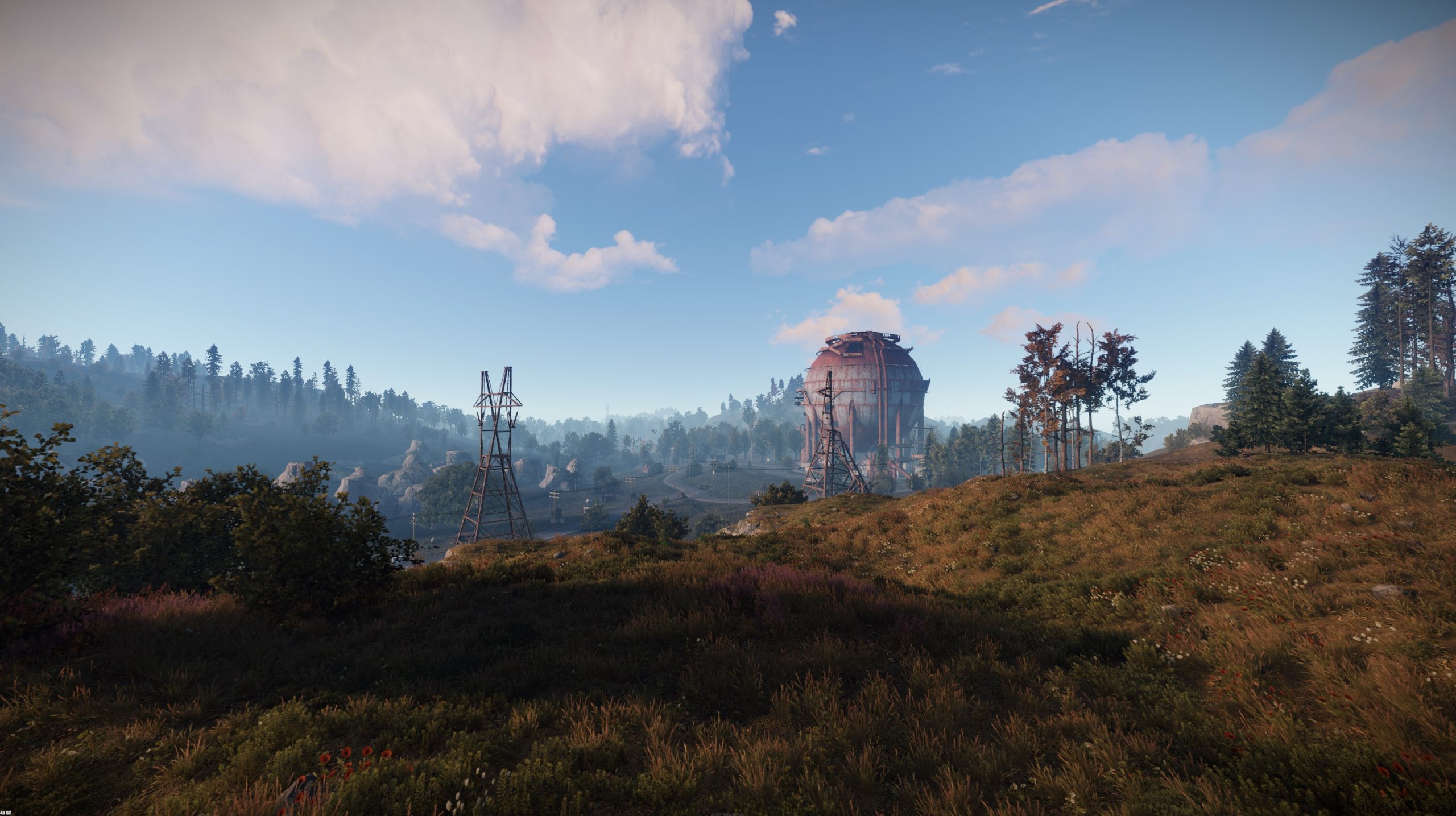
Vanilla Custom Map
![[RU] JoyRust #1 Pirate sea - Modded 2x (No limit) banner](https://i.imgur.com/RrxabjJ.png)
Server admin? Sign in with Steam to claim this server.
Offline
Last checked 3 h ago
0 / 50 players
Custom Map
2x 57 days live Avg ping 136.3 ms Avg jitter 6.1 ms
Server owner? Add discord.gg/yourcode to your server's name or map to show your Discord invite here.
Connect: 45.131.186.204:28015
First seen 07.08.2026
Last wipe: (35 d ago)
| Wiped | Days since previous |
|---|---|
| 5.3 | |
| — |
JoyRust #1 Deep sea — Modded 2x (No limit)
=== РЕЙТЫ ===
- Сбор ресурсов: x2
- Плавка руды: x2 (ускоренная)
- Скорость крафта: увеличена
- Размер стаков: увеличен
- Лут в ящиках: x2
=== ВОЗМОЖНОСТИ ===
- Kits — стартовые и VIP наборы
- /remove — снос своих построек
- /tp и /home — телепортация
- Shop — внутриигровой магазин
- Clans — система кланов
- Regular events — ивенты и конкурсы
=== ВАЙП ===
- Карта: еженедельно, каждую пятницу
- Чертежи (BP): НЕ вайпаются
=== ПРАВИЛА ===
- Запрещены читы, макросы, багоюз
- Без токсичности в чате
- Администрация не играет против игроков
Добро пожаловать и удачной игры!
| Checked | Status | Ping | Players |
|---|---|---|---|
| Online | 138 ms | 0 | |
| Online | 140 ms | 0 | |
| Online | 136 ms | 0 | |
| Online | 138 ms | 0 | |
| Online | 132 ms | 0 | |
| Online | 137 ms | 0 | |
| Online | 130 ms | 0 | |
| Online | 133 ms | 0 | |
| Online | 137 ms | 0 | |
| Online | 135 ms | 0 | |
| Online | 135 ms | 0 | |
| Online | 138 ms | 0 | |
| Online | 141 ms | 0 | |
| Online | 131 ms | 0 | |
| Online | 137 ms | 0 | |
| Online | 131 ms | 0 | |
| Online | 133 ms | 0 | |
| Online | 138 ms | 0 | |
| Online | 142 ms | 0 | |
| Online | 147 ms | 0 | |
| Online | 145 ms | 0 | |
| Online | 137 ms | 0 | |
| Online | 137 ms | 0 | |
| Online | 140 ms | 0 | |
| Online | 143 ms | 0 | |
| Online | 141 ms | 0 | |
| Online | 141 ms | 0 | |
| Online | 136 ms | 0 | |
| Online | 133 ms | 0 | |
| Online | 133 ms | 0 | |
| Online | 135 ms | 0 | |
| Online | 137 ms | 0 | |
| Online | 134 ms | 0 | |
| Online | 131 ms | 0 | |
| Online | 132 ms | 0 | |
| Online | 132 ms | 0 | |
| Online | 145 ms | 0 | |
| Online | 136 ms | 0 | |
| Online | 133 ms | 0 | |
| Online | 132 ms | 0 | |
| Online | 135 ms | 0 | |
| Online | 140 ms | 0 | |
| Online | 131 ms | 0 | |
| Online | 135 ms | 0 | |
| Online | 136 ms | 0 | |
| Online | 139 ms | 0 | |
| Online | 133 ms | 0 | |
| Online | 132 ms | 0 | |
| Online | 139 ms | 0 | |
| Online | 132 ms | 0 |
Russia
X2 [ BOSS / SKILL / NEW MODS ]
11/250
Last checked 1 m ago
Wiped 1 d ago
Next wipe in 12 days
VanillaCustom Map

Russia
| X2 | SOLO/DUO/TRIO
0/100
Last checked 3 m ago
Wiped 1 d ago
VanillaProcedural Map

112/550
Last checked 42 s ago
Wiped 1 d ago
VanillaВАЙП БЫЛ 2д НАЗАД
A wipe resets a server's map and usually player progress too — bases, resources, and blueprints, unless the server keeps blueprints through wipes (shown here as "No BP wipe"). Most servers wipe on a regular schedule, often weekly.
Facepunch pushes a mandatory update on the first Thursday of each month that requires every Rust server to wipe, regardless of its own schedule — a "force wipe," distinct from a server's regular map wipe.
The "Next wipe" time above is extracted from the server's own published schedule. "High confidence" means the server stated an explicit date or time; "Predicted" means it's estimated from the server's typical cadence and isn't guaranteed.
Copy the server address above, open Rust's in-game console with F1, and run client.connect followed by the address — or connect directly through Steam's server browser using the same address.